


10% off on Prepaid Orders
Use Code: PAYDEAL
Get 10% off when you pay online. Eligibility is confirmed at checkout.
Buying guides
By icconX Product Team · Published · 1 min read

Two cables can look the same and still charge very differently. Here are the four things worth checking before you buy.
For chargers with the rectangular USB-A port.
Android phones, iPhone 15 and later, tablets and many laptops.
iPhones before the iPhone 15, with a USB-C charger.
For laptop chargers and fast tablets.
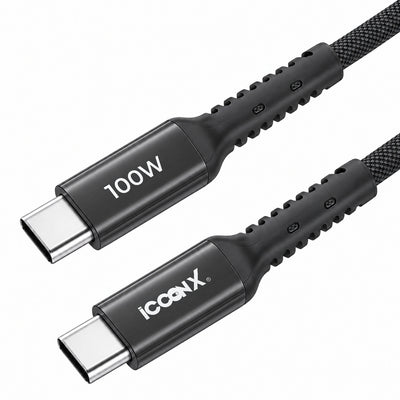
It is the most power the cable is built to carry. A cable rated lower than your charger can slow down fast charging. Match or beat the charger: a 60W cable for chargers up to 60W, a 100W cable for laptop chargers.
1 m is the everyday length for a desk, a bedside or a car. 1.5 m is handy when the socket is far from where you sit.
Most charging cables, including ours, transfer data at USB 2.0 speed, up to 480 Mbps: enough for photos, music and phone backups. Large camera video files need a USB 3 cable.
Yes. The cable rating is a maximum; it works with any lower-watt charger.
Older or damaged cables are often rated lower. Try a cable rated for your charger's wattage.
Rs. 399 Rs. 899


